

Meet the CEMOTO Help Center: Manuals, Answers and Support in One Place


The question usually comes at an inconvenient time.
The bike has just arrived and you want to know which part goes where. The display shows a code you have not seen before. The battery has been stored for a few weeks and you are not sure about the right charging routine. Or perhaps you simply need the manual for your exact model and would rather not dig through old emails to find it.
That is why we built the CEMOTO Help Center.
It brings CEMOTO manuals, setup instructions, maintenance guidance, troubleshooting steps, video tutorials, frequently asked questions and support information together in one searchable place. Instead of starting with a blank search box somewhere on the internet, owners can start with information prepared around CEMOTO products and the jobs they are actually trying to do.
Built around the moment you need an answer
A useful support site should not feel like a warehouse full of PDFs. It should help you move from a question to the right next step.
The Help Center is organized that way. You can browse by topic, search for a model or symptom, or go straight to one of the tasks owners ask about most often:
- finding the manual for a specific model;
- unboxing and assembling a new bike;
- completing a pre-ride inspection;
- understanding display settings and error codes;
- charging and storing a battery correctly;
- diagnosing a bike that will not turn on or charge;
- checking maintenance intervals;
- finding warranty, returns or shipping information; and
- contacting the support team with the details needed to get useful help.
The aim is simple: less hunting, less guesswork and a clearer path forward.

Start with the manual for your model
Electric bikes and electric dirt bikes can look similar while using different displays, controllers, batteries, brakes and setup procedures. A generic answer may sound plausible and still be wrong for the bike in front of you.
The Products & Manuals section gives owners a better starting point. It includes the official manuals index and dedicated product pages for CEMOTO electric bikes, scooters and D-series electric dirt bikes.
If you are checking a specification, looking for a control, or preparing for assembly, begin with your exact model. That one step prevents a surprising number of mistakes—especially when model names are similar or a procedure differs between product families.
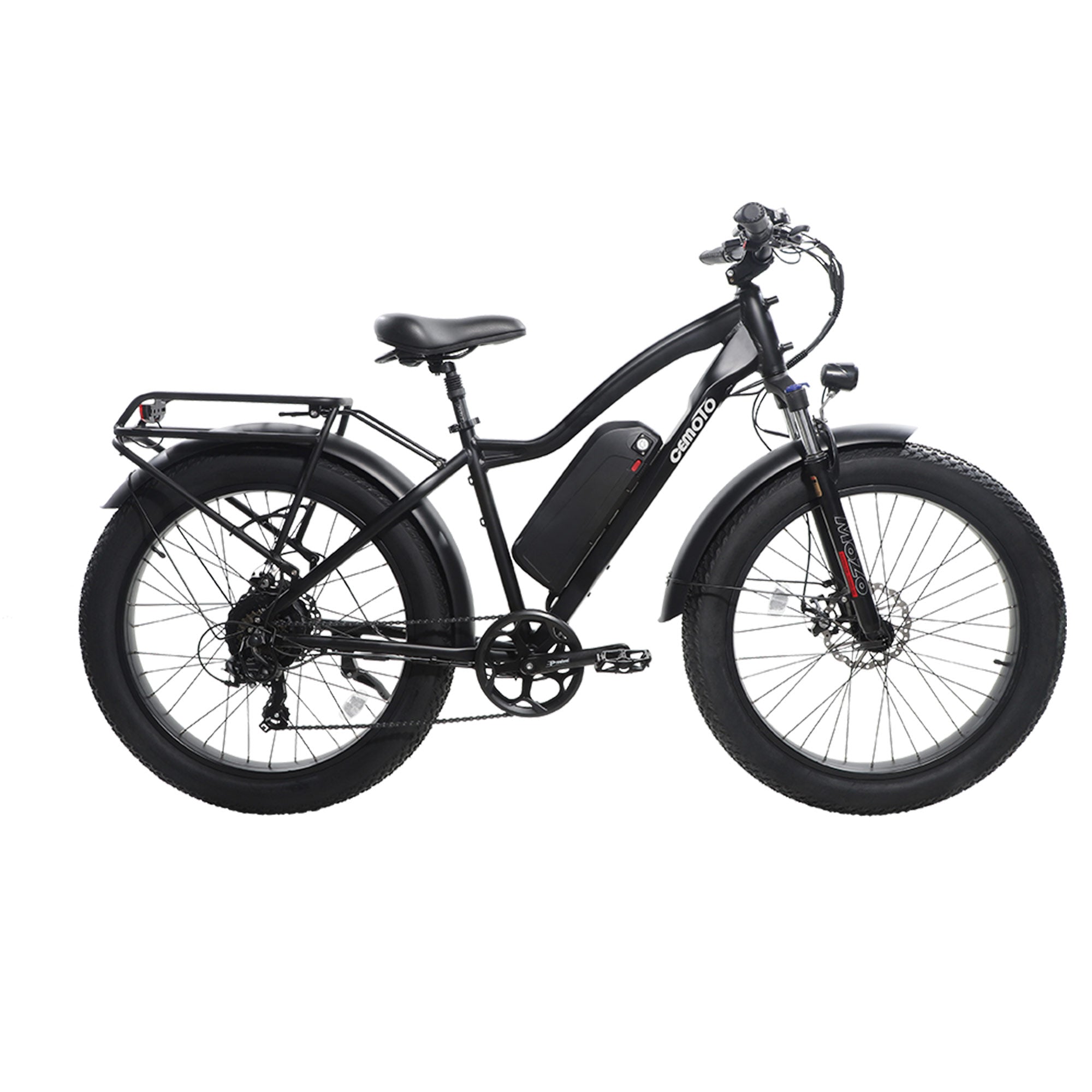
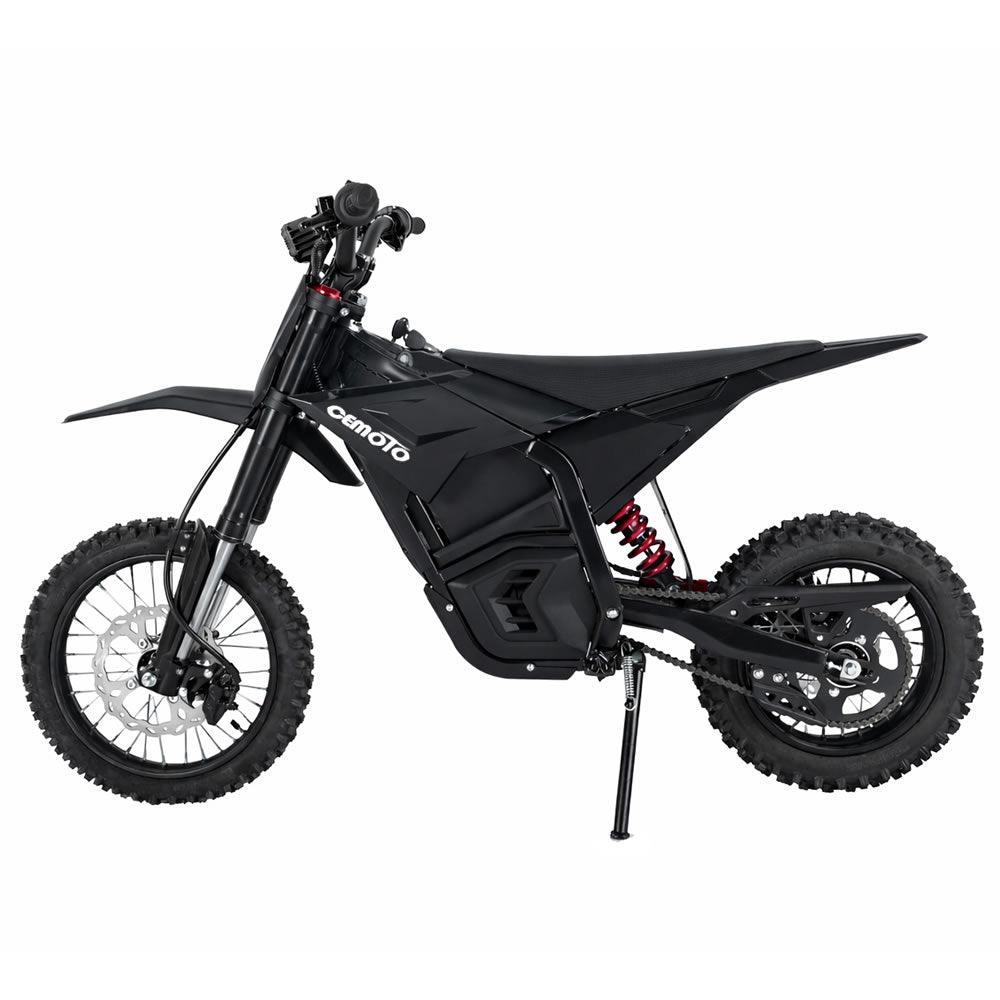
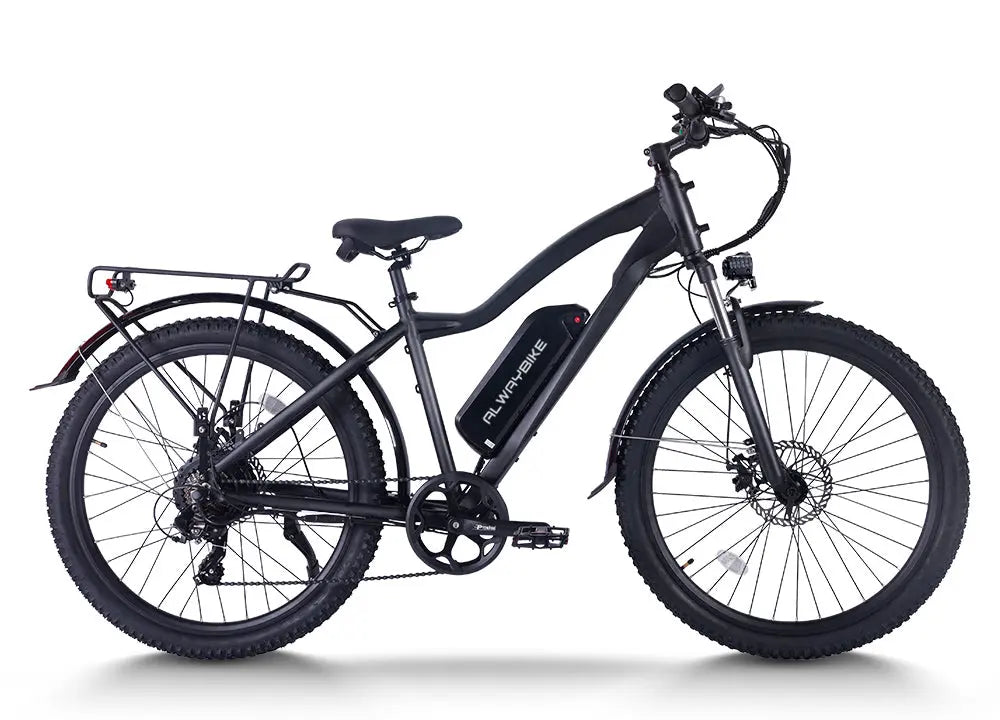
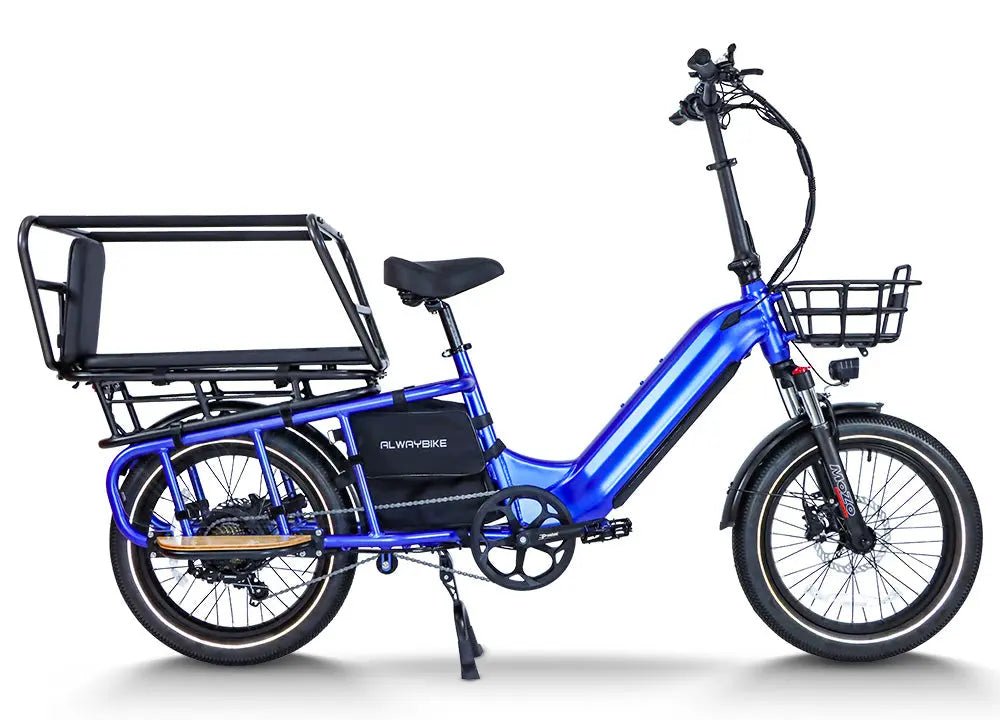
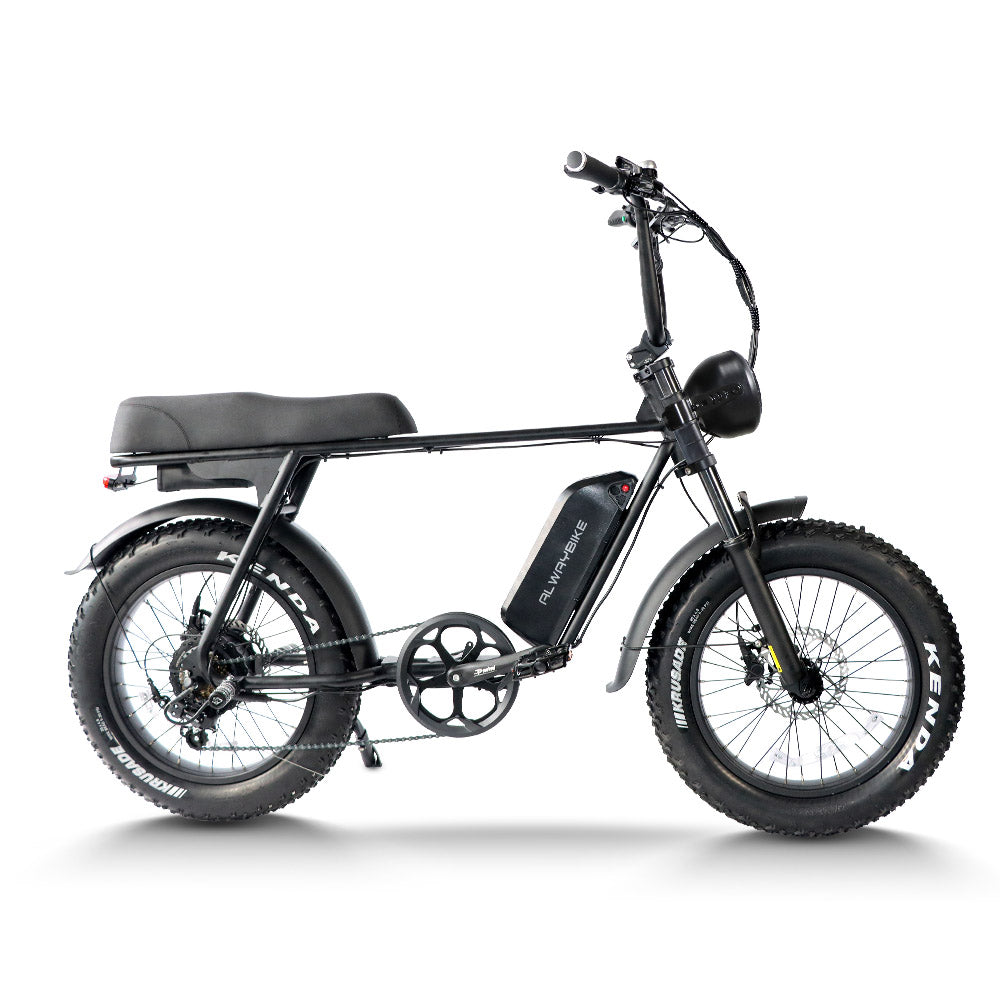
The Help Center currently covers CEMOTO commuter, mountain, fat-tire and folding eBikes alongside the D02 Classic, D02 Track, D03 Pro and D03 Beast electric dirt bikes. As documentation changes, the online pages can be updated without asking owners to track down a newer attachment.

From the box to the first ride
The first hour with a new bike should be exciting, but it is also when small oversights are easiest to make. A loose fastener, a brake that has not been checked, or a handlebar that is not aligned correctly can turn a short first ride into a frustrating one.
The Getting Started section covers the practical steps between delivery and riding. Owners can check what should be in the box, follow assembly guidance, review rider fit and work through a short pre-ride inspection.
That pre-ride check is worth making a habit. Before setting off, look over the tires and wheels, test both brakes, confirm the controls return normally, check that important fasteners are secure and make sure the battery is properly seated. It only takes a few minutes, and it catches many of the simple problems that are much harder to deal with once you are away from home.

Maintenance guidance you can return to
Most ownership questions do not arrive on day one. They appear a month later, after a muddy ride, before winter storage, or when something begins to feel slightly different.
The Maintenance & Care section is designed for those moments. It covers battery care and charging, maintenance schedules, tires and wheels, suspension, cleaning, storage and fastener checks. There is also a maintenance log owners can use to keep a record of service work.
This is where the Help Center becomes more useful than a one-time setup guide. You can return to the same source before cleaning the bike, preparing it for storage, checking service intervals or deciding whether a change needs attention.
A few examples:
- After a wet or dusty ride, check the cleaning and storage guidance before reaching for a pressure washer.
- Before leaving a battery unused for an extended period, review the battery care instructions for your model.
- If a fastener keeps working loose, consult the relevant torque guidance rather than tightening it by feel.
- If your real-world range changes, check tire pressure, temperature, riding mode, load and battery condition before assuming a component has failed.
Good maintenance is rarely dramatic. It is mostly a collection of small checks done at the right time.

Troubleshooting that starts with the likely causes
When a bike stops behaving normally, replacing parts immediately is tempting. It is also often unnecessary.
The Troubleshooting & Error Codes section is arranged by symptom so owners can work through the obvious checks first. It covers power and start-up faults, charging problems, motor and controller behavior, brakes, throttle and controls, drivetrain issues, display settings, error codes, range and performance.
For example, a bike that will not turn on may have a simple start-up sequence issue, a battery connection problem or a flat pack. A charging problem may begin at the outlet, charger or charge port rather than inside the battery. An error code can point toward a circuit or signal, but it does not automatically prove that the most expensive component in that circuit has failed.
The guides are written to help owners inspect in a sensible order. They also make clear when a check is safe to perform at home and when it is time to stop and contact support.
If you do need assistance, note the model, the exact symptom, any error code and what happened immediately before the issue appeared. Photos or a short video can also save time. The Contact & Support page explains what to include in the first message.
Prefer to watch? There is a video library too
Some procedures are easier to understand when you can see the order, orientation and hand position rather than read about them.
The Video Tutorials section collects CEMOTO’s step-by-step videos and pairs them with written guidance. Topics include unboxing and assembly, display settings, speed-unit changes, maintenance and repair, wiring, charging faults and common D-series error codes.
That pairing matters. A video is useful for seeing the work; a written page is useful for checking applicability, tools, warnings and individual steps. Using both gives owners a more complete reference than either format alone.
Quick answers for everyday questions
Not every visit needs a long guide. Sometimes the question is simply: How should I store the battery? Where do I find the error code? What information should I send with a warranty claim?
The CEMOTO FAQ gives short answers across assembly, charging, maintenance, specifications, riding, shipping, warranty and returns. When a topic needs more detail, the answer points to the relevant guide or policy rather than repeating an abbreviated version in several places.
The Support & Resources and Policies sections cover the administrative side of ownership: contacting support, parts compatibility, warranty registration and claims, shipping, returns and refunds, payment and privacy.
For policy questions, always rely on the current published policy. Terms can change, and the live policy is the governing source.
Easier to search—on the site and beyond it
We also built the Help Center to make official answers easier to discover.
Clear page titles, model names, focused topics and direct answers help riders navigate the site. The same structure gives search engines and AI-assisted answer tools better context when they encounter a CEMOTO question. Rather than leaving product information scattered across unrelated pages, the Help Center creates a consistent knowledge base with a clear source for each topic.
That does not mean an automated answer should replace the manual or the judgment of a qualified technician. It means the official information has a better chance of being found, understood and linked back to its source.
If you reach a Help Center page through a search result, check the model and scope at the top before following the steps. For safety-critical work or any procedure outside your experience, contact CEMOTO support or a qualified technician.
How to get the best result from the Help Center
A few habits make searching much faster:
- Use the exact model name. Search “D02 Track E06” rather than only “bike error.”
- Describe the symptom. “Battery not charging” is usually more useful than “battery problem.”
- Start with the simple checks. Connections, charge level, control position and visible damage should be checked before parts are replaced.
- Read the applicability note. A D-series procedure may not apply to a commuter eBike, and vice versa.
- Keep the page open while you work. Do not rely on remembering a sequence after a quick scan.
- Stop when the guide tells you to stop. Battery damage, exposed wiring, heat, smoke, unusual odor or work beyond your skill level calls for professional help.

A support library that will keep growing
The Help Center is not meant to be a finished binder placed on a shelf. It is an online resource that can grow with new products, new questions and clearer ways to explain the work.
We will continue refining manuals, adding practical guides, expanding video coverage and improving the paths between common questions and the correct answers. The goal is not to turn every owner into a technician. It is to give riders enough reliable information to use their bikes safely, care for them well and know when to ask for help.
The next time you need a manual, a maintenance interval, an error-code explanation or the right support contact, start here:
Bookmark it now. It is much easier to find before you need it than while you are standing beside a bike with a question.
